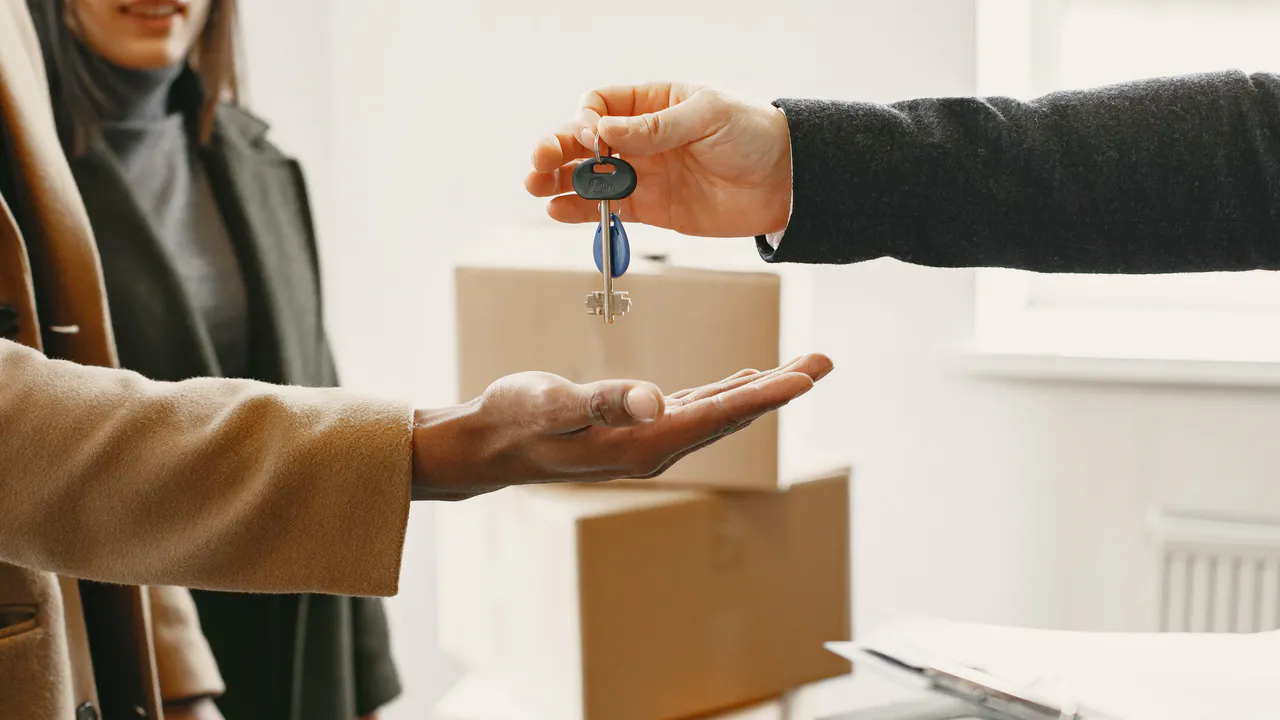
One link for your housewarming.
Use this template →Free, no account needed
Share your new address once and see when guests expect to stop by.
Start with this template
The title, invitation and a question are already filled in.
Or pick a date first.
Housewarming
Our new home is ready for visitors. Will you come to the housewarming? RSVP so we can make enough coffee.
You can edit this text before publishing.Make it easy for your guests
- Add directions and parking if your address is new, and say whether people can drop in over a few hours.
- Add a finish time if you do not want to stay open all evening.
- Ask people to bring something only if you actually want that, not out of habit.
“When do you expect to come by?”
This question is already on the form. Edit it before you share the link.From idea to guest list
- 01
Choose your date
Set the date on this template. You can still edit the invitation.
- 02
Confirm your email
Open the confirmation email. Your event goes live after that.
- 03
Share your link
Guests sign up with their name and email. A private link lets them change or cancel later.
Good to know
What should I include in my housewarming invitation?
Add directions and parking if your address is new, and say whether people can drop in over a few hours.
Can I plan an open house for a few hours?
Yes. Set the start time and, in the extra options, the finish time. Guests can say when they will stop by.
Do guests see the new address straight away?
Yes, if you fill in the location. Put directions and parking in the description so everything is on the same page.
Is it really free?
Yes. Creating events, sharing links and managing RSVPs is free. No payment details needed.
Do guests need an account?
No. They enter their name and email address. Their private link lets them edit or cancel their registration.
Can I ask for more information?
Yes. Extra options let you add a location, finish time, participant limit and custom questions. Aanmeld.link does not process payments or sell tickets.
About a signup list →Find a date together →Explore all features →
Ready to share your link?
The title, text and question are ready. Next you only confirm your email. Pick a date first
Free, no account needed
Often planned together
All templates →Neighborhood drinks
Invite the street without a crowded group chat and see which street people are joining from.
Use this template Get togetherBarbecue
Track who is coming and what to buy before you light the barbecue.
Use this template CelebrationsBirthday
See who is coming and how many people to plan cake and chairs for, without scattered messages.
Use this template