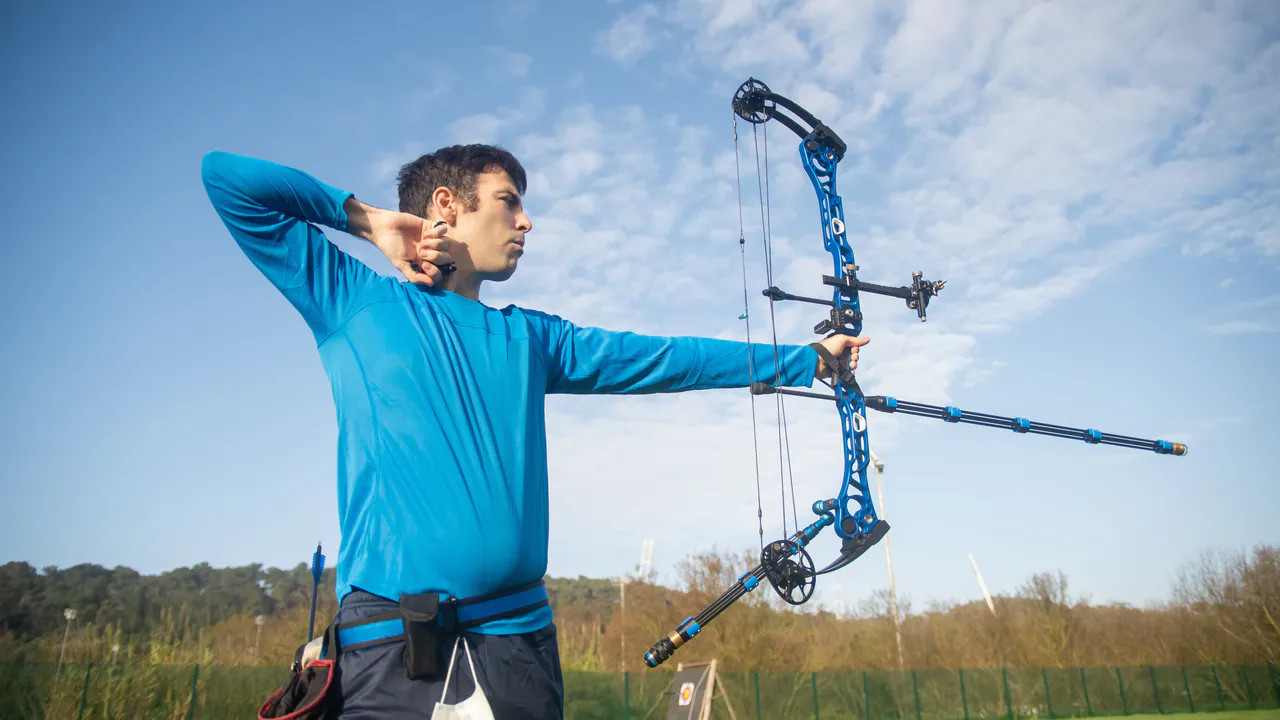
Bring everyone to your archery taster session.
Use this template →Free, no account needed
Gather participants for a supervised archery session and explain how the introduction and exercises will run beforehand.
Start with this template
The title, invitation and a question are already filled in.
Or pick a date first.
Archery taster session
Try archery with guidance from the instructor. We will start with an equipment introduction and practice on the designated range.
You can edit this text before publishing.Make it easy for your guests
- Name the provider, meeting place and clothing requirements. Ask the instructor what equipment is available and how many people can join the session.
- Ask your guests: Will this be your first time trying archery or do you have experience?
- Mention the ability level, equipment needed and what happens in bad weather.
“Will this be your first time trying archery or do you have experience?”
This question is already on the form. Edit it before you share the link.From idea to guest list
- 01
Choose your date
Set the date on this template. You can still edit the invitation.
- 02
Confirm your email
Open the confirmation email. Your event goes live after that.
- 03
Share your link
Guests sign up with their name and email. A private link lets them change or cancel later.
Good to know
What should I include in my archery taster session invitation?
Name the provider, meeting place and clothing requirements. Ask the instructor what equipment is available and how many people can join the session.
Is it really free?
Yes. Creating events, sharing links and managing RSVPs is free. No payment details needed.
Do guests need an account?
No. They enter their name and email address. Their private link lets them edit or cancel their registration.
Can I ask for more information?
Yes. Extra options let you add a location, finish time, participant limit and custom questions. Aanmeld.link does not process payments or sell tickets.
About a signup list →Find a date together →Explore all features →
Ready to share your link?
The title, text and question are ready. Next you only confirm your email. Pick a date first
Free, no account needed
More plans?
All templates →Fencing taster session
Organize an introduction to fencing and gather participants for the instructor's explanation and exercises.
Use this template Sport & outdoorsOrienteering outing
Gather participants for an orienteering outing and ask about map-reading experience to prepare the introduction and groups.
Use this template Sport & outdoorsClimbing session
Organize a climbing session and arrange support and equipment for beginners and experienced climbers.
Use this template